Contact List Cleaning: A 10-Step Checklist Before Any Campaign
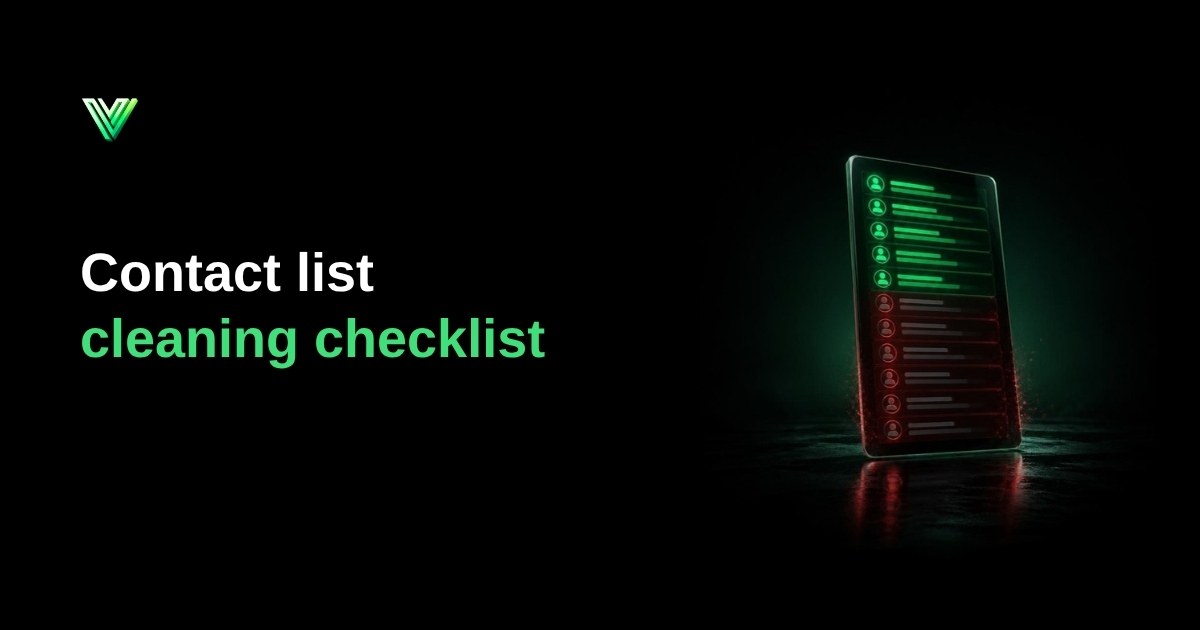
Contact list cleaning means fixing and organizing a list before you use it: removing duplicates, standardizing numbers, taking out people who asked to leave and checking who can actually receive your messages. A clean list delivers more, draws fewer complaints and gives you metrics you can believe. The checklist below takes a list from messy spreadsheet to ready to send.
What does contact list cleaning change?
| Before | After |
|---|---|
| One customer appears three times in different formats | One record per person |
| Numbers with no country code, or with a local dialing prefix | Every number in international format |
| People who asked to leave are still on the list | Unsubscribe list applied |
| Deactivated numbers mixed with active ones | Separated into with WhatsApp and without WhatsApp |
| Nobody knows where each contact came from | Source and date recorded |
A 10-step contact list cleaning checklist
Organization
- 1. Put everything in one file. Export from every source (CRM, spreadsheets, forms) and keep the phone number in a single column.
- 2. Keep a copy of the original. Every cleaning should be reversible.
- 3. Record the source and entry date of each contact. This answers "where did this number come from?", a question people can put to you. Under the EU GDPR, a person can ask for any available information about the source of their data when you didn't collect it from them (Art. 15(1)(g)). Brazil's LGPD gives a similar right (art. 19, II, in Portuguese).
Cleaning the numbers
- 4. Remove everything that isn't a digit: spaces, brackets, dashes, dots and letters.
- 5. Split cells holding two numbers. "4155550132 / 4155550177" must become two records, or one of them is lost.
- 6. Standardize to international format. Drop national dialing prefixes such as the leading 0 on UK numbers and add the country code: 07911 123456 becomes +447911123456, and (415) 555-0132 becomes +14155550132. The step-by-step is in WhatsApp phone number format.
- 7. Remove duplicates after standardizing. Before standardization, "(415) 555-0132" and "+1 415 555 0132" look different. Afterwards they are the same number.
Permission and reach
- 8. Apply the unsubscribe list. People who asked to stop leave the list on every channel. On the official API, someone who opted out of your marketing triggers error 131050 and should not receive new attempts.
- 9. Check who has an active WhatsApp account. Split the list in two: with WhatsApp and without. Don't delete the second group, because it can still receive SMS or email.
- 10. Segment by last interaction. Contacts from three months ago and from three years ago shouldn't get the same campaign. Old lists need extra care, covered in how to run a WhatsApp re-engagement campaign.
How often should you run contact list cleaning?
| Situation | When to clean |
|---|---|
| A large campaign or a launch | Before each one |
| Contacts imported from an event, partner or spreadsheet | At the moment of import |
| An active list used every month | Periodically, to remove deactivated numbers |
| Sign-up forms | In real time, checking the number as it is entered |
Manual or automated cleaning?
A spreadsheet is enough for small lists. At tens of thousands of contacts, formulas break, Excel turns phone numbers into scientific notation and checking WhatsApp by hand becomes impossible. At that point use a tool that cleans, standardizes and checks together. With VeriFlow you upload the file as it is and get back a list that is cleaned, formatted and split into valid and invalid.
Frequently asked questions
Are cleaning and validating the same thing? Validation is one part of cleaning: the check of who has WhatsApp. Cleaning also covers organizing, unsubscribes and segmentation. The check itself is explained in how to validate WhatsApp numbers.
Should I delete numbers without WhatsApp? Not necessarily. They may be valid for SMS, calls or email. Separate them instead of discarding them.
Does cleaning solve the consent question? No. It organizes the list. Consent depends on how each contact was collected. See WhatsApp marketing and GDPR.
Validate your list starting at 2,000 numbers. Validate now on VeriFlow
Sources
Frequently asked questions
Are cleaning and validating the same thing?
Validation is one part of cleaning: the check of who has WhatsApp. Cleaning also covers organizing, unsubscribes and segmentation. The check itself is explained in how to validate WhatsApp numbers.
Should I delete numbers without WhatsApp?
Not necessarily. They may be valid for SMS, calls or email. Separate them instead of discarding them.
Does cleaning solve the consent question?
No. It organizes the list. Consent depends on how each contact was collected. See WhatsApp marketing and GDPR.
Validate your list from 2,000 numbers
Upload the list as it is: we remove duplicates and invalid numbers, standardize the format and check who has WhatsApp.
Create account and validate